 Tetrate Enterprise Gateway for EnvoyVersion: v1.0.x
Get going with Tetrate Enterprise Gateway for Envoy (TEG) in minutes!
Prerequisites
A Kubernetes cluster.
Note: Refer to the Compatibility Matrix for supported Kubernetes versions.
- Option 1: Direct from Tetrate
- Option 2: AWS Marketplace
Install Tetrate Enterprise Gateway for Envoy (TEG) using Helm
The easiest way to deploy Tetrate Enterprise Gateway for Envoy (TEG) is through Helm charts, this step typically takes 2-3 minutes to complete:
export REGISTRY="oci://docker.io/tetrate"
export CHART_VERSION="v1.0.1"
helm install teg ${REGISTRY}/teg-envoy-gateway-helm \
 --version ${CHART_VERSION} \
 -n envoy-gateway-system --create-namespace
Installing from AWS Marketplace
Configure the Installation
Locate your Tetrate Enterprise Gateway for Envoy (TEG) SE Subscription in AWS Marketplace and choose to Configure the Software:
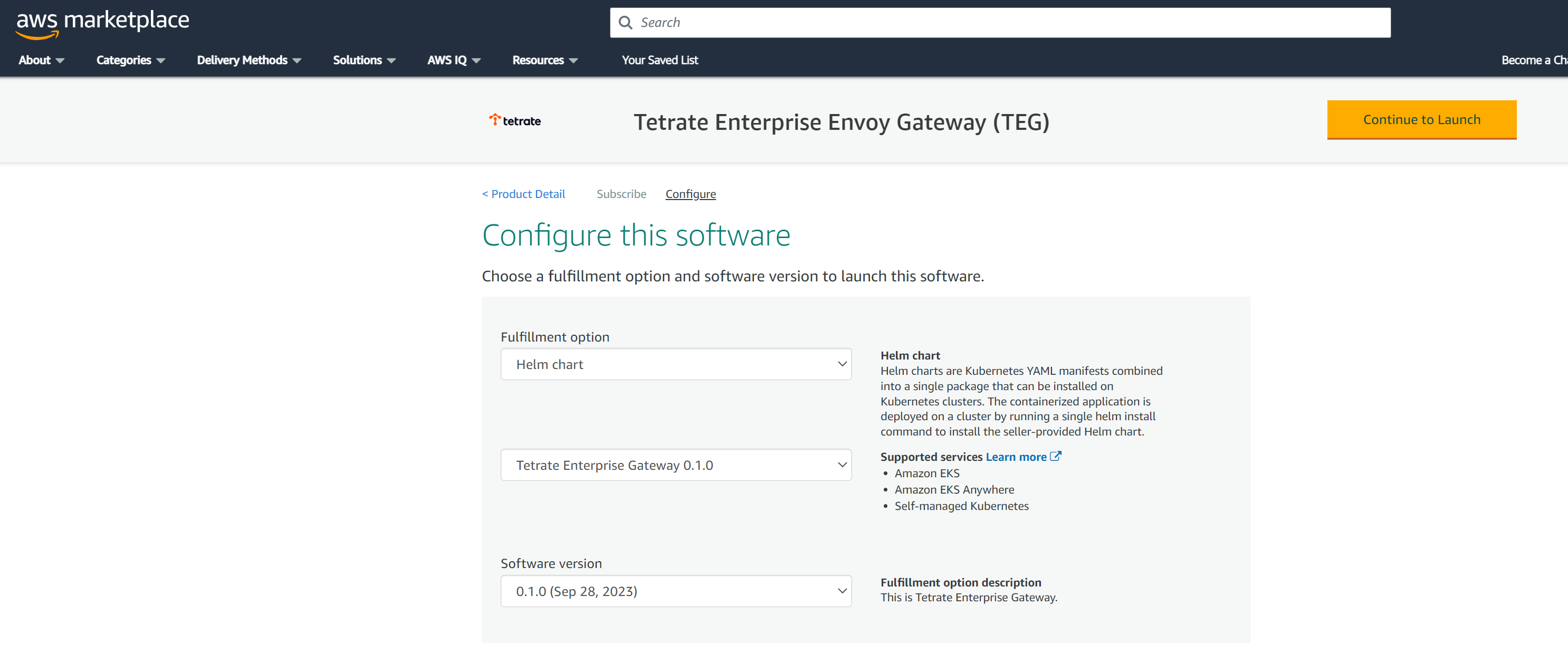 Configure the TEG Software
Select the most recent software version available. Click Continue to Launch.
cautionDo not follow the marketplace instructions! For best results, use the following instructions.
Acquire the TEG repo charts
The TEG images are located in the AWS Marketplace
us-east-1region. You can install these images into any selected AWS region.Log in to the AWS ECR repository:
aws ecr get-login-password \
    --region us-east-1 | helm registry login \
    --username AWS \
    --password-stdin 709825985650.dkr.ecr.us-east-1.amazonaws.com
Prepare the file structure on your workstation and download the charts:
mkdir awsmp-chart && cd awsmp-chart

helm pull oci://709825985650.dkr.ecr.us-east-1.amazonaws.com/tetrate-io/teg/teg-envoy-gateway-helm --version v1.0.1

tar xf $(pwd)/* && find $(pwd) -maxdepth 1 -type f -delete
Install TEG
This step typically takes 5-10 minutes to complete.
-helm install teg \
    --namespace envoy-gateway-system teg-envoy-gateway-helm/ \
    --create-namespace \
    --set image.registry=709825985650.dkr.ecr.us-east-1.amazonaws.com/tetrate-io/teg \
    --set image.tag=v1.0.1
Check if Tetrate Enterprise Gateway for Envoy (TEG) has been successfully installed
Wait for Tetrate Enterprise Gateway for Envoy (TEG) to become available:
kubectl wait --for=condition=Available --timeout=5m -n envoy-gateway-system \
    deployment/envoy-gateway
The following components will be deployed:
kubectl get pod -n envoy-gateway-system
NAME                                 READY   STATUS    RESTARTS   AGE
envoy-gateway-5c454d8678-s7p4c       2/2     Running   0          25s
envoy-ratelimit-76fbf7d4b7-sgrb2     1/1     Running   0          19s
teg-envoy-gateway-59974774d5-llbtv   1/1     Running   0          34s
teg-redis-6599d9d96d-62929           1/1     Running   0          34s
Get started with your first application
Let's expose your first application using the Tetrate Enterprise Gateway for Envoy (TEG)